
Banana Peel Simulator: ML5.js + P5.js Application by Steve Wu | GIXD 503 Creative Prototyping | ACCD 11 December, 2025
Introduction
This is part 2 of the last project of GIXD 503. This week, I continued my exploration of ML5.js and created this new sketch. You can view the code Here. (Camera access required)
Step 1: Brainstorm
Since I want to try the face tracking model while continuing the spirit of the Bananas. I decided to build a banana eating simulation, and to add a decent amoung of the challenge, the bananas will have peels!
Also I came across thissimple rigging sketch by tinywitchdraws earlier and thought it may be interesting to play with it.
Step 2: Prepare Assets
I happened to have a banana (totally didn't buy it just for this project) at home. So I took a few pictures of it and made a digital peel for it.
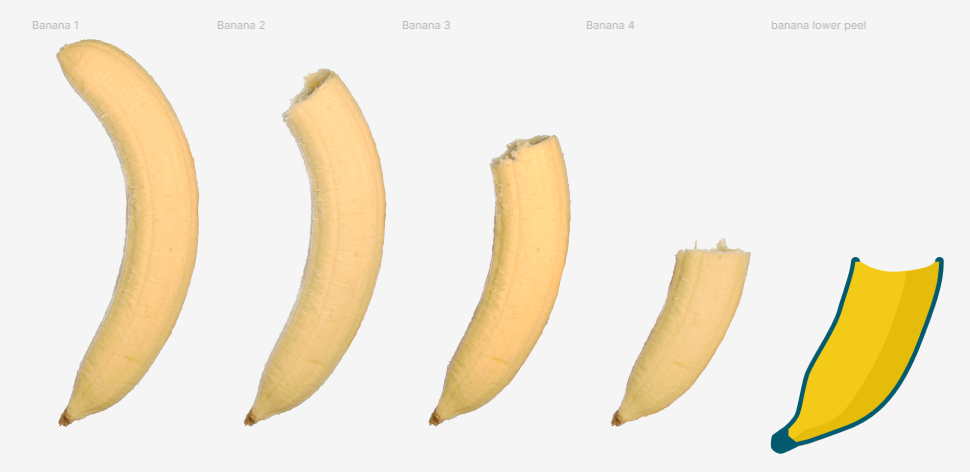 Photos of the banana + part of the peel
I also need a hand to peel and a mouth to eat the banana. As well as some icons for the UI.
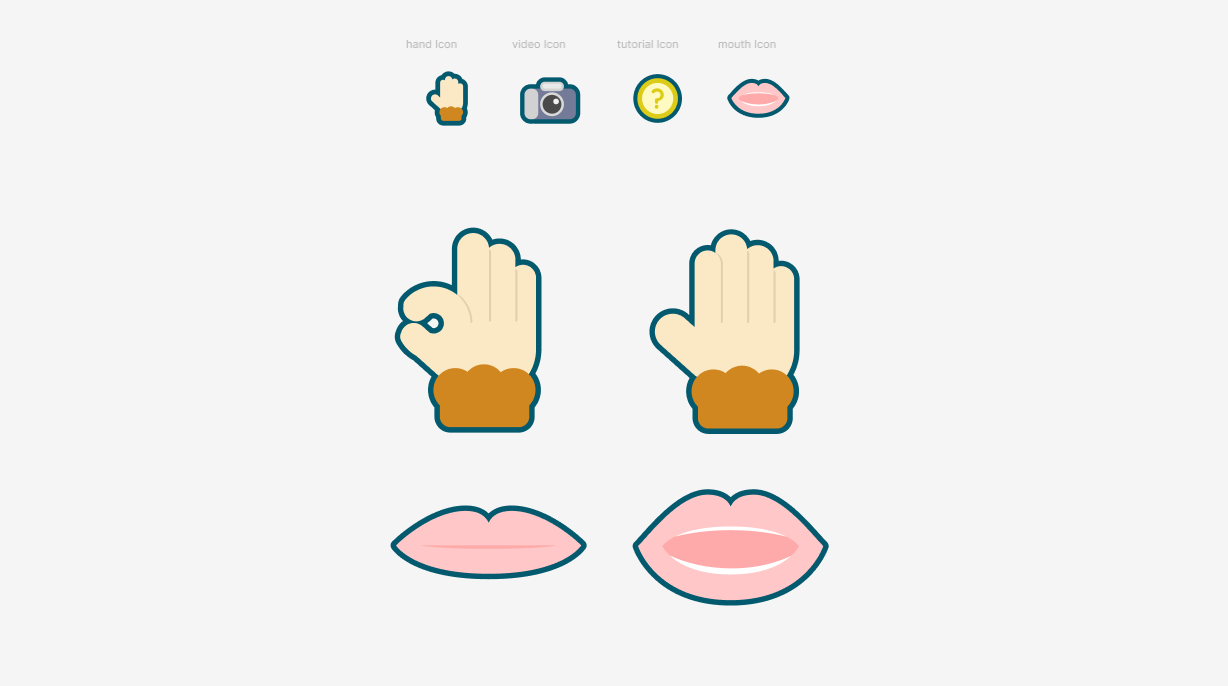 Other Assets
Step 3: Make The Peels
I then started working on creating peels using the logic from the rigging sketch.
The chain in the sketch can be dragged around freely, but I wish to have one of it's end be stable (connected to the banana). So I modified some of the code from the sketch and got this.
Now if I connect these dots and give it yellow color and a thick width. I get a banana peel!
With these code, I created a BananaPeel class. With a few additional parameter, I can addjust the curvature and length of the chain when it's constructing. Eventually, I can wrap these peels over the banana asset and have a complete banana!
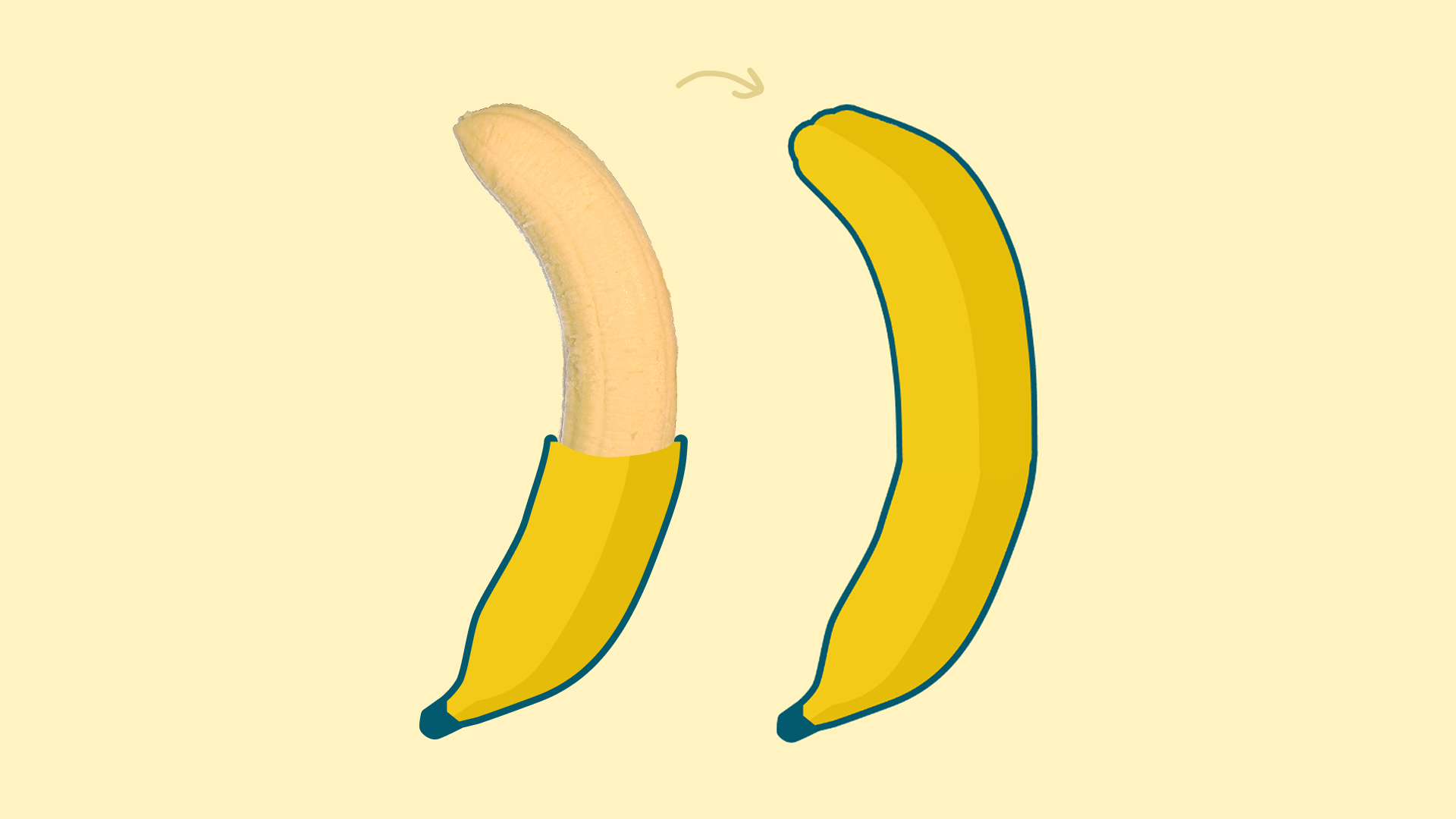 Banana being wrapped
Step 4: Adding Hand & Mouth
It's time to add hand and face tracking. With the ml5 model, I can gather the tracking data of hands and faces in the video feed. Digging into these data I found the position of index_finger_tip, thumb_tip, and lips.
Then I align the hand asset to the position between my index finger tip and thumb tip so it follows my hand. When I pinch, I swap the asset to the pinching hand asset so it also apear to pinch.
Same goes to mouth, I put the mouth asset at lips.centerX and lips.centerY. Then I calculated the distance between lips.keypoints[36](upper lip) and lips.keypoints[26](lower lip) to detect if mouth is open or close, and switch the mouth asset correspondingly.
Lastly, I added the same piching to grab logic from monkey island with hand control to make the banana peels move with the hand. And when the peels are all peeled down, opening and closing the mouth let you take a bite at the banana! (video showcase in the next section)
Last step: Add UI & Showcase
Lastly, I added some UI so you can hide the video or change how hand/mouth appear. I also added a hand-drawn tutorial screen so people can learn how to eat a banana. :D
Here is a video showcase, or you can try it out yourself! (camera access required)
Conclusion
It's been a wonderful time in GIXD 503. I had a lot fun exploring P5.js and ML5.js with professor Maxim. Thanks for reading through my creative prototype journey, and stay toned for more!
You can also access the sketches in this article here: Banana Peel Simulator (camera required) simple rigging sketch by tinywitchdraws Chain with a stable endpoint